Two ways to enter.
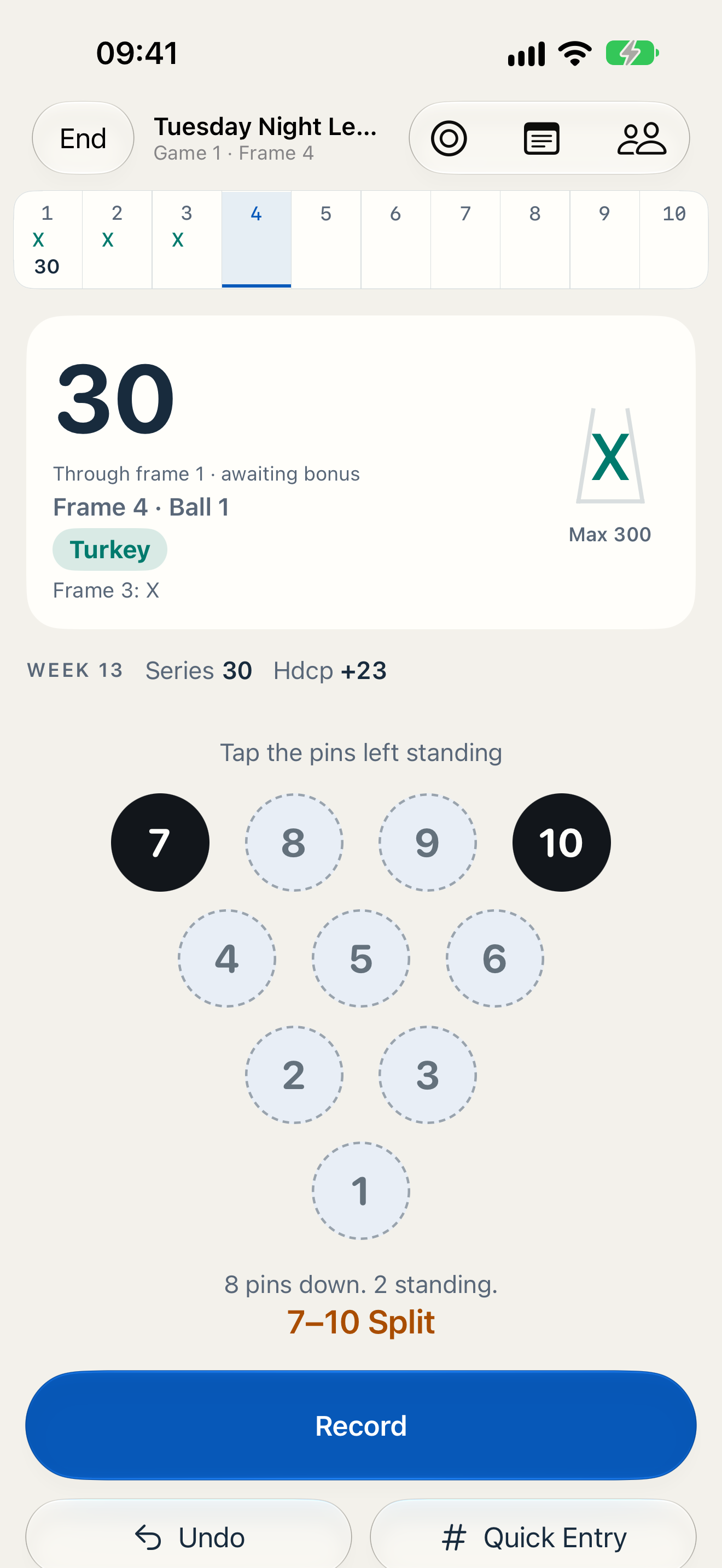
Use the pin-count keypad or mark the standing pins on the rack. Record strikes, spares, splits, fouls, and optional pocket-hit tags.
Bowling, frame by frame
Score your games, track league nights, and find your next practice focus with Laneform for iPhone and Apple Watch.
01 / Scoring
Quick when you want it. Detailed when you need it.
Use the pin-count keypad or mark the standing pins on the rack. Record strikes, spares, splits, fouls, and optional pocket-hit tags.
Undo a roll or edit a frame. Catching up later? Enter a completed game frame by frame or just add its final score.
Keep score for friends alongside your own game. Their games stay outside your personal statistics.
02 / Insights & practice
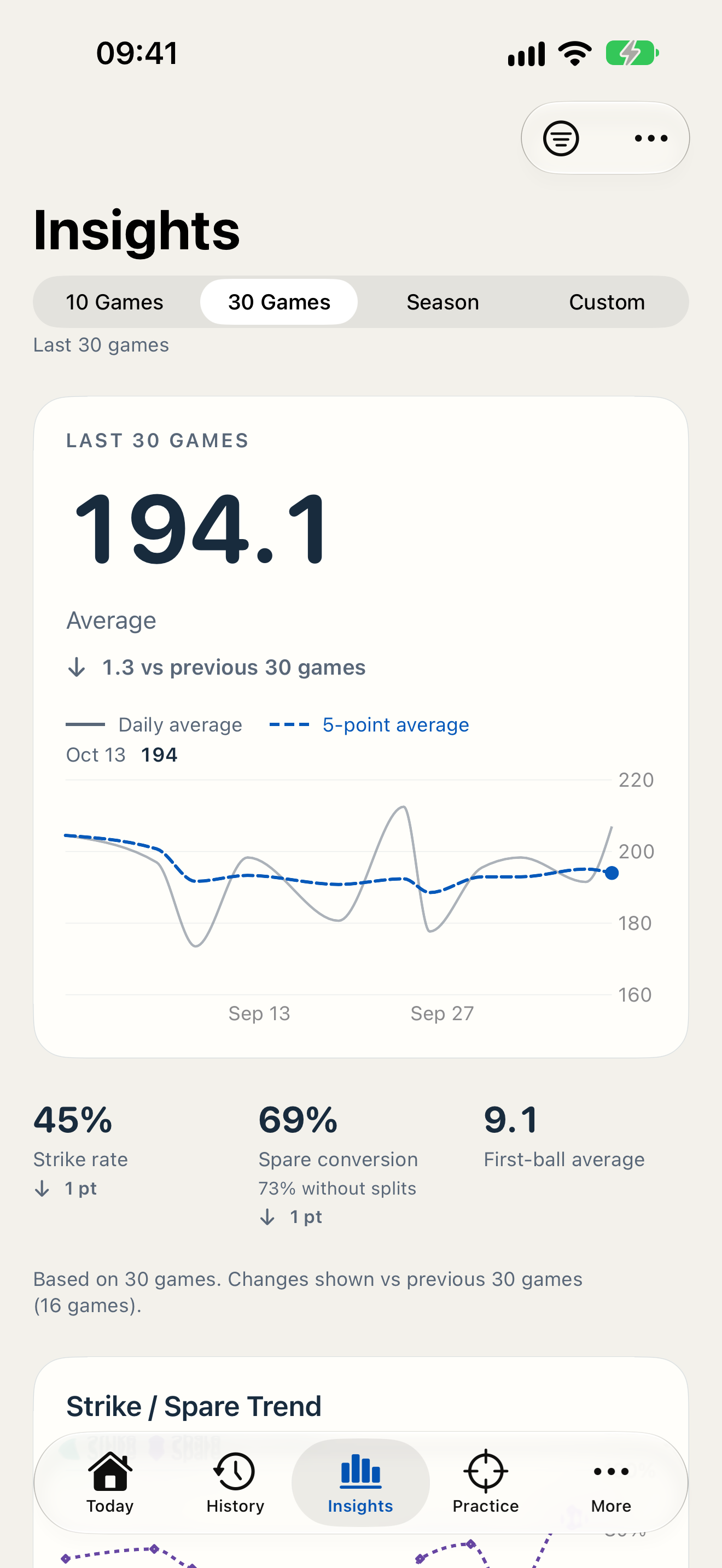
Review sessions, games, averages, strike and spare rates, and trends. Let what you record guide what you practice next.
Start with single-pin and corner-pin drills. Pro adds pin heat maps, spare analysis, weekly reviews, recommended practice, advanced drills, and goals. Reviews and recommendations draw on your recorded statistics.
A record of your bowling, with room to learn. No promise of a higher score.
Your practice loop
03 / League nights
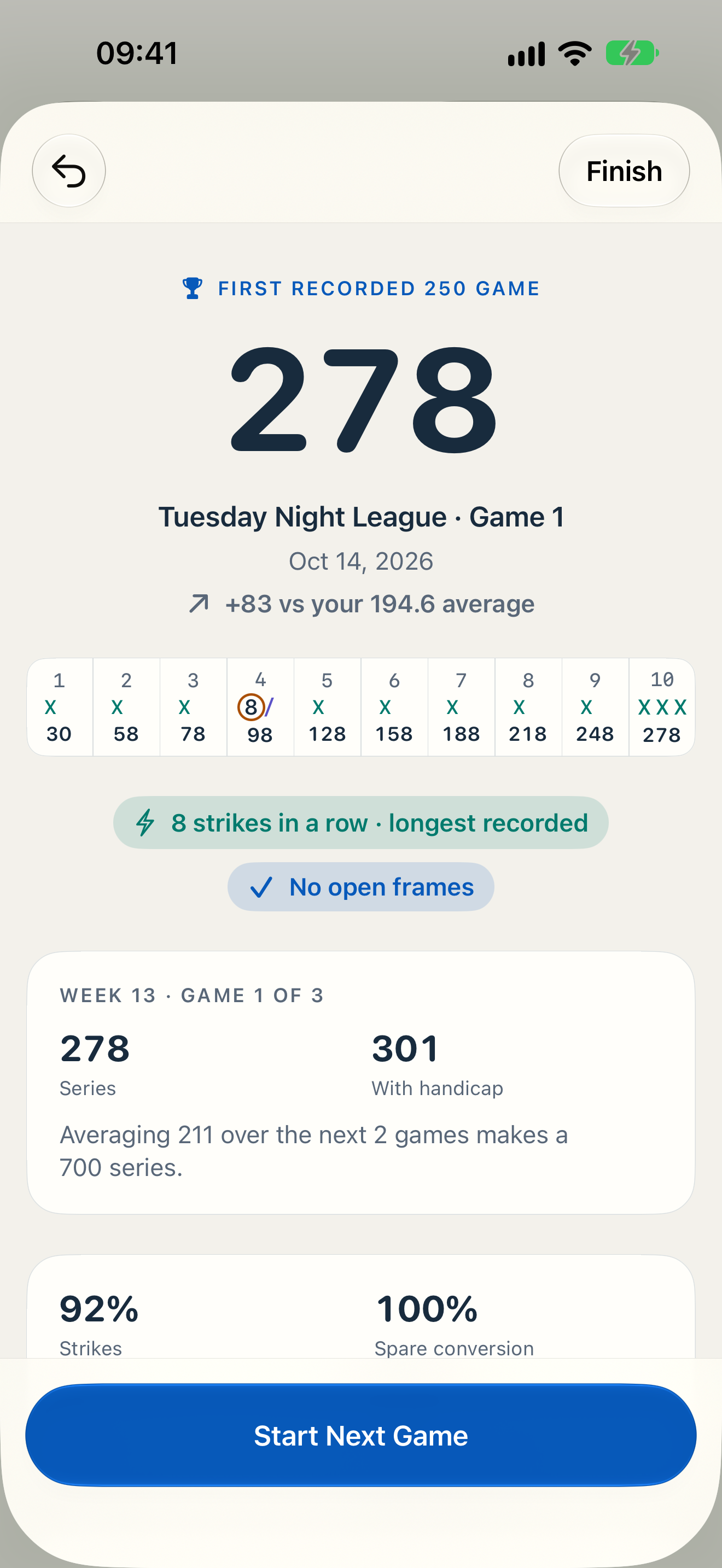
Track handicaps, series, and league nights without losing the longer view.
Return to season history and reports as the weeks add up. Keep bowling centers, oil patterns, and notes with your records.
Equipment, remembered
Save ball specifications, photos, and maintenance. Free includes up to two balls; Pro adds unlimited equipment and ball comparisons. Equipment records give context to your games.
04 / Around your game
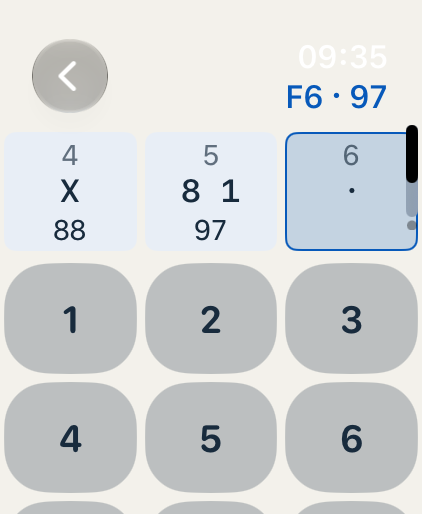
Score independently on your watch. Completed games transfer to your paired iPhone.
Bring Laneform to your Home Screen and Lock Screen, with Live Activities for an ongoing game.
Use Siri and Shortcuts, or share an image card of your score and progress when you choose.
05 / Less entry, more review Pro
Scan a scoreboard photo on your iPhone to prefill frames. Review, correct, then save.
Processing happens on-device. Scoreboard photos are not saved by Laneform or uploaded. Scanning may not read every scoreboard accurately; you stay in control of the final record.
06 / Free & Pro
Pro is optional. Monthly and annual subscriptions are offered through Apple; pricing and any eligible offers appear in the app before purchase.
Laneform Free
Laneform Pro
Everything in Free, plus:
07 / Your data stays yours
No Laneform account. No ads. No tracking or third-party analytics SDKs in the app.
Saved app data stays local and can sync through your private iCloud database when available. The developer cannot access that database, and the app does not send your bowling data to the developer.
Read the Privacy Policy ↗08 / A few things to know
Unlimited scoring and history, core statistics, iCloud sync, single-pin and corner-pin drills, and up to two bowling balls.
No. Pro is an optional monthly or annual subscription for deeper insights, advanced practice, goals, an unlimited arsenal, exports, and scoreboard scanning. See the comparison above and the Terms of Use.
Yes. You can score independently on Apple Watch. Completed games transfer to the paired iPhone.
Saved app data can sync through your private CloudKit database when iCloud is available. There is no separate Laneform account, and the developer cannot access your private database.
No. Pro scanning processes the photo on your iPhone and prefills frames. Always review and correct the results before saving.
Laneform requires iOS 26 or later. The companion Apple Watch app requires watchOS 26 or later. The app supports English, Japanese, and Korean.
See your game in a new light